If you have requested a quote for one or more upsize options, you might wonder how to find your other quotes.
On a desktop computer or laptop: Your quote summary cards will be presented side by side.
On a mobile or tablet device: Your quote summary cards will be stacked on top of one another. You can scroll to see.
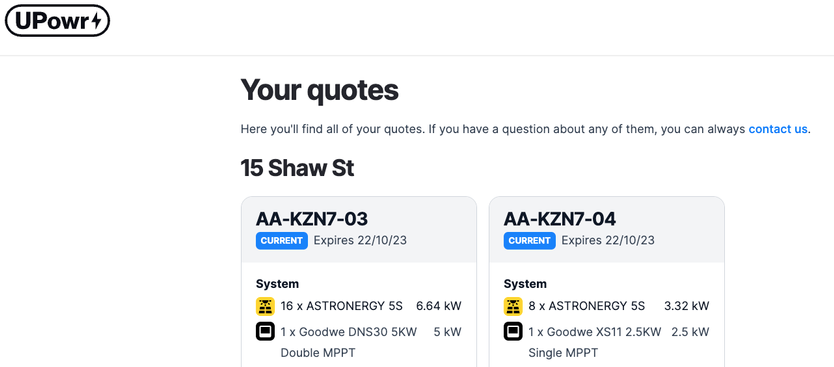
Depending on your upsize request, you will see one or more of the following:
- 3.32 kWp Solar -> this is your free 3kW base system, 8 panels.
- 4.15 kWp Solar -> this is the 4kW system offer, 10 panels.
- 5.395 kWp Solar -> this is the 5kW system offer, 13 panels.
- 6.64 kWp Solar -> this is the maximum size available with the program, 16 panels.
Was this article helpful?
That’s Great!
Thank you for your feedback
Sorry! We couldn't be helpful
Thank you for your feedback
Feedback sent
We appreciate your effort and will try to fix the article